 grace-winata
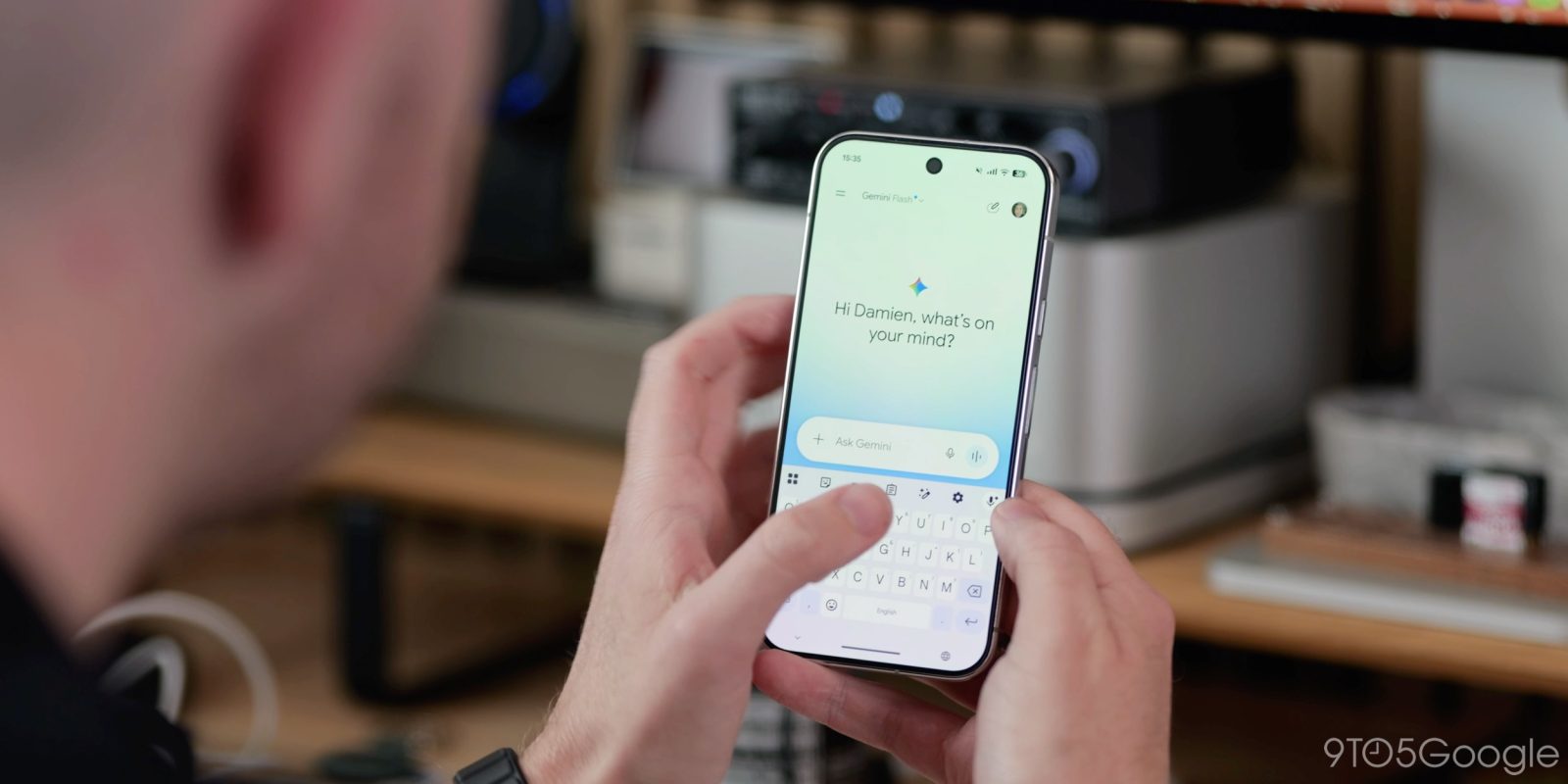
Bayangkan sedang berada di tengah kota asing, alatوانهุ้นบาทา you're in — you stop at a crossroad, don't know which direction to go, and instead of opening a map application, you simply speak to your phone: “carikan.opsional jalan terbaik menuju到了”. That kind of casual, conversation-based navigation is now getting a dedicated shortcut inside Google's Gemini app. Starting October 2026, the company is rolling out a new feature called “Map”, a tool that helps the assistant understand your surroundings and turn location data into an answer — and at the same time, the app is preparing to retire one of its most recognizable symbols: the forward slash.
Why does this matter? Because these two small interface changes touch almost every single Gemini user on both Android and iOS (iPhone operating system). One makes the artificial intelligence feature genuinely useful outdoors, where context is everything; the other reshapes the “language” we use to command the app. Together, they signal a shift: Google is no longer content with Gemini being a chatbot in a text box, but is turning it into an operating layer for everyday tasks.
How the Map Tool Works
The “Map” function essentially acts as a bridge between a location and a natural-language request. Previously, asking about a place meant the assistant had to guess which of the many places sharing that name you meant — the coffee shop on Jalan Merdeka, not the one in the next province. With the new tool, the request is anchored to your position or to a specific area you point at, so the answer becomes far more relevant. In plain terms: it is like asking a librarian for a book, but instead of describing the title, you simply point at the right shelf.
Behind the scenes, this kind of feature relies on geolocation APIs (programming interfaces that hand a device's coordinates to software), combined with large language models — algorithms trained on enormous amounts of text to understand intent and phrasing. When you say “find a cheap dinner spot open now around here,” the system breaks that sentence into pieces: your coordinates, the time of day, the budget constraint, and the category of place you're looking for. Only then does it generate an answer. The visible result looks simple; the process is actually a fairly sophisticated piece of deep tech engineering.
From Slash to At: Changing the Command Language
The second, less obvious change is about symbols. For months, power users have typed a forward slash — “/” — inside the Gemini prompt box to summon “skills,” meaning pre-packaged capabilities such as help writing an email, summarizing a long document, or brainstorming travel ideas. Google is now preparing to replace that slash with the at sign, “@”.
That sounds cosmetic, but interface symbols carry a lot of weight. For example, typing “@” immediately suggests a person, a file, or a place — depending on context. That means a single symbol can trigger different algorithms of intent recognition. The shift is comparable to how email moved from lists of attachments to the at sign, or how messaging apps moved from phone numbers to usernames: the change reduces friction for ordinary users while opening new doors for advanced ones.
What Users Can Expect
Below is a quick overview of how the old and new commands compare, and what each one is built for.
| Element | Previous Approach | New Approach |
|---|---|---|
| Trigger symbol | Forward slash “/” | At sign “@” |
| Location questions | Manual mention of place names | Map tool with location context |
| Skill invocation | Type “/” then choose a skill | Type “@” then pick from suggestions |
| Platform support | Gemini app, Android and iOS | Gemini app, Android and iOS |
| Rollout status | Active | Beginning the transition in October 2026 |
One important note for readers: a feature rollout is rarely instant. Google typically tests changes with a small group first, then expands gradually by region, language, and app version. So if you do not see the “Map” option or the new “@” symbol today, that is not necessarily a sign of a broken device.
Why This Is More Than a Cosmetic Update
There is a business dimension here, too. Every shortcut that makes an assistant easier to use increases the time a person spends inside the app, and time spent is the raw material of the modern platform economy. If Gemini becomes the fastest way to check a location, translate a sign, or plan a meeting spot, competing assistants will have to work much harder to justify their own existence.
“The real competition is no longer over who writes the smartest reply, but over who understands where you are standing and answers in a single breath. A shortcut like this is small in code, but enormous in habit.”
There are also open questions. Precise location data is among the most sensitive information a smartphone holds, and features that rely on it will be watched closely by regulators and privacy advocates. Users will want clear controls: whether location sharing is temporary or permanent, whether conversation history stores coordinates, and whether data is used for advertising. Transparency, not just capability, will determine how widely this feature is adopted.
What to Watch Next
For now, the takeaway is simple. The Gemini app on Android and iOS is gaining a map-aware tool that makes prompts depend on where you actually are, while the familiar forward slash is making way for a more expressive at sign. Neither change is revolutionary on its own. Together, they paint a picture of a larger transition: from typing questions to simply stating intent, and from an app you open when you have a question, to an assistant that quietly follows you around the city.
And that is exactly the disruption worth paying attention to. The next era of technology will not be won by the most complex interface, but by the one that disappears fastest into daily life.













Comments (0)